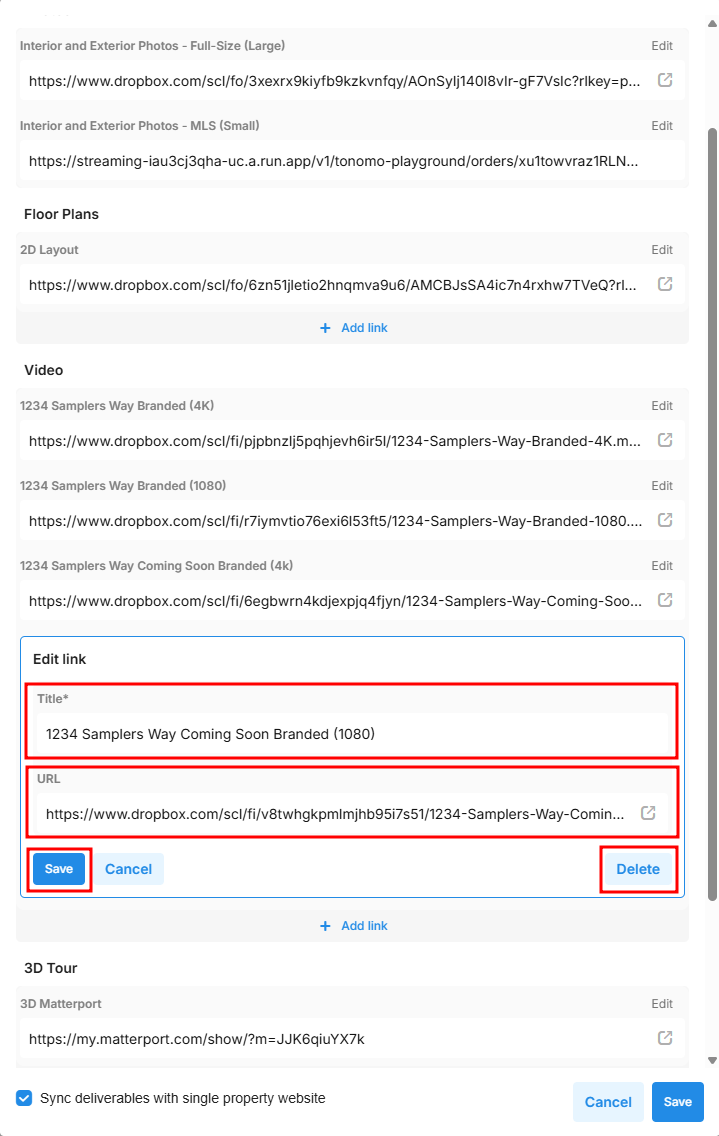
Edit Delivery Links
Last updated: September 2, 2025
After syncing the delivery files for the first time, you can edit which assets you deliver to your customers. For example, you might want to remove the 2D Layout folder as a one-off, or add a link for an additional service you completed that isn’t listed in Tonomo.
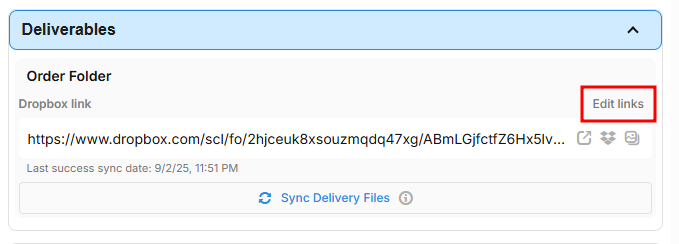
To do this, click Edit Links after you have synced the delivery files at least once.
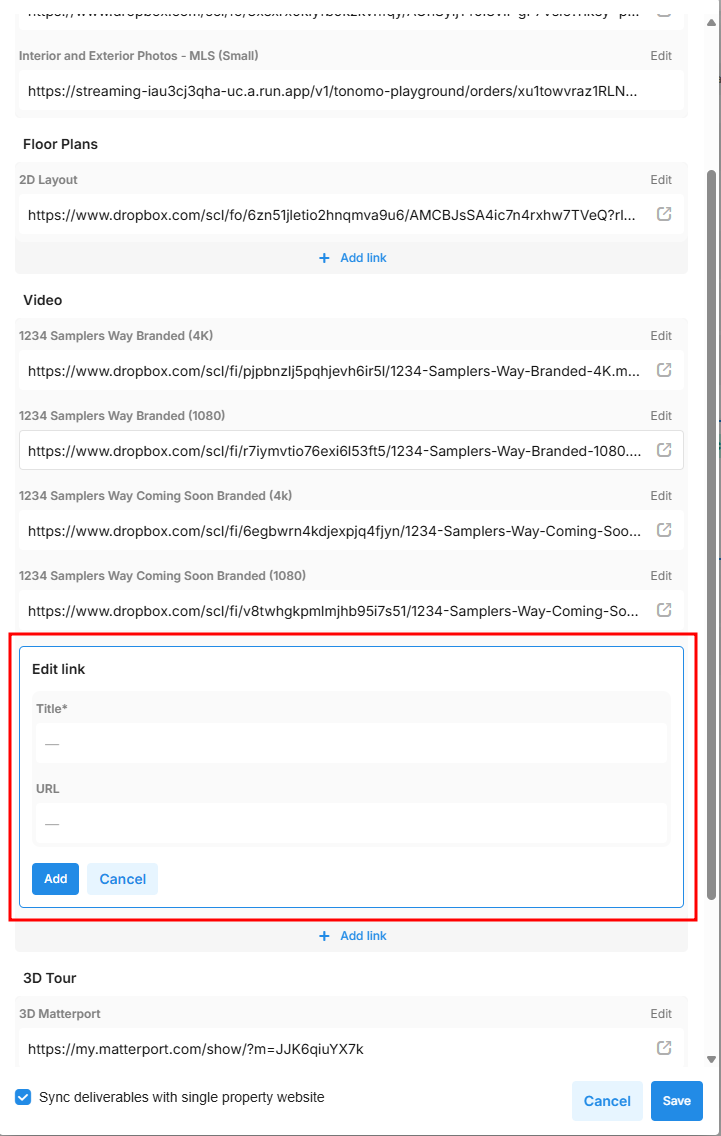
Add a Link
Simply click + Add Link and then enter the Title (a description your customer would understand) and the URL (this can be a link to Youtube, a Dropbox share link, or any other publicly available URL).
Edit or Remove a Link
To edit or remove a link, click the Edit button above that link. Then either change it or click Delete.