SMS/Text Message Template
Last updated: August 28, 2025
Email is the main form of communication for most companies. However, it is only one part of the overall client interaction experience during the course of a project.
Sending quick texts is a great new way to chat with customers. It helps companies send fast messages about orders and appointments. Text messages get read more than any other form of communication.
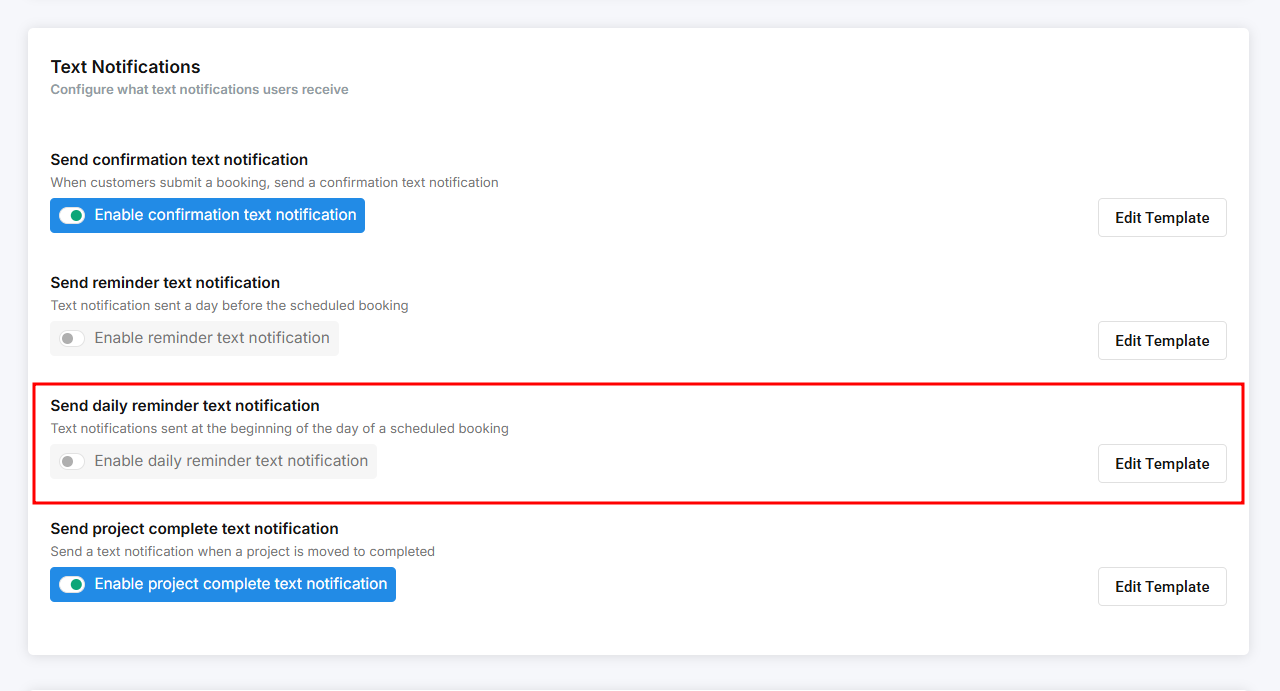
To enable this SMS template, you will need to go to Configure Booking > General and then scroll down to the Text Notification section.
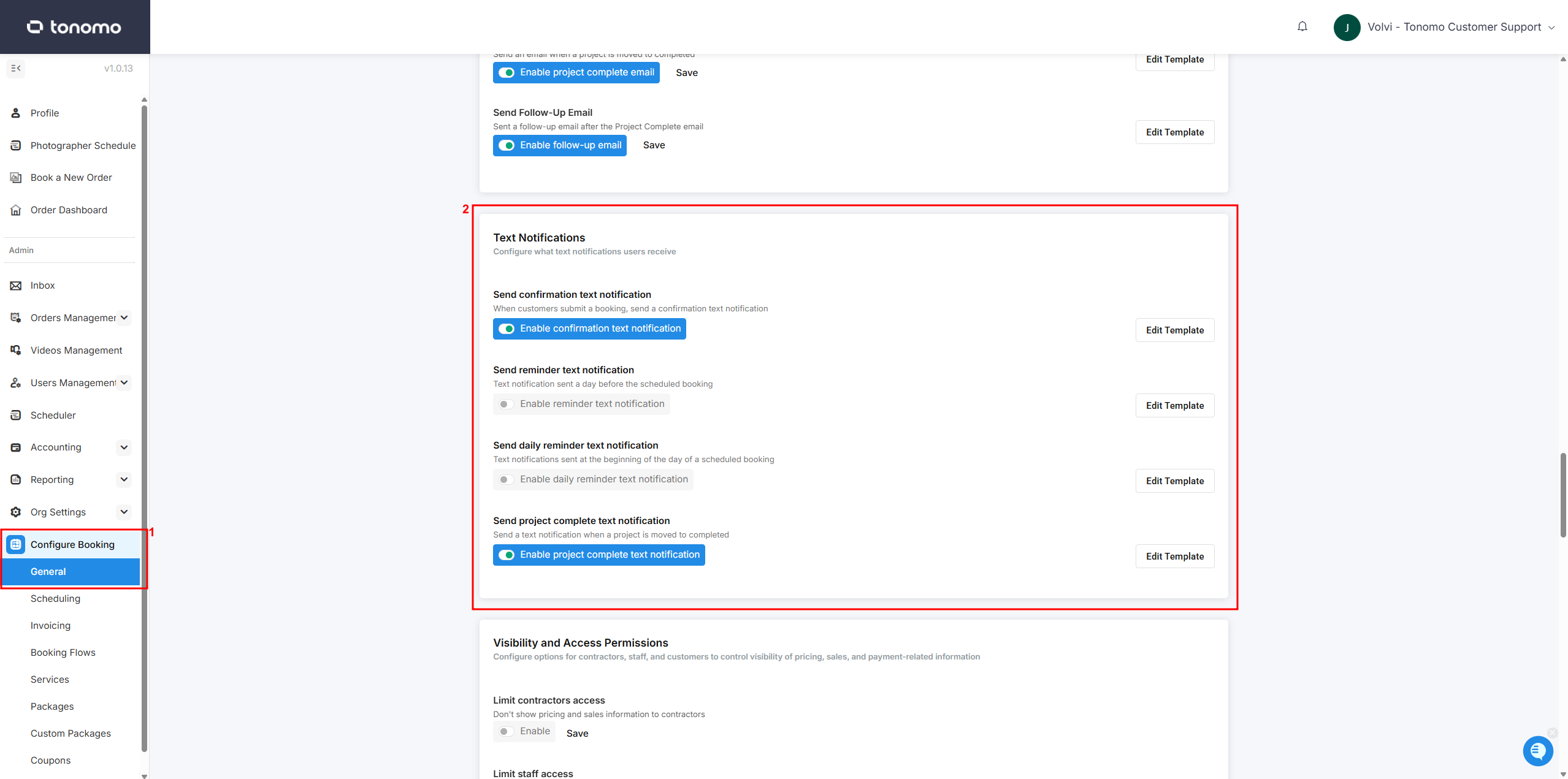
SMS notifications are currently supported only for clients in the USA and Australia. This is a one-way feature, meaning that if a client replies to the number, your admin will not receive the message.
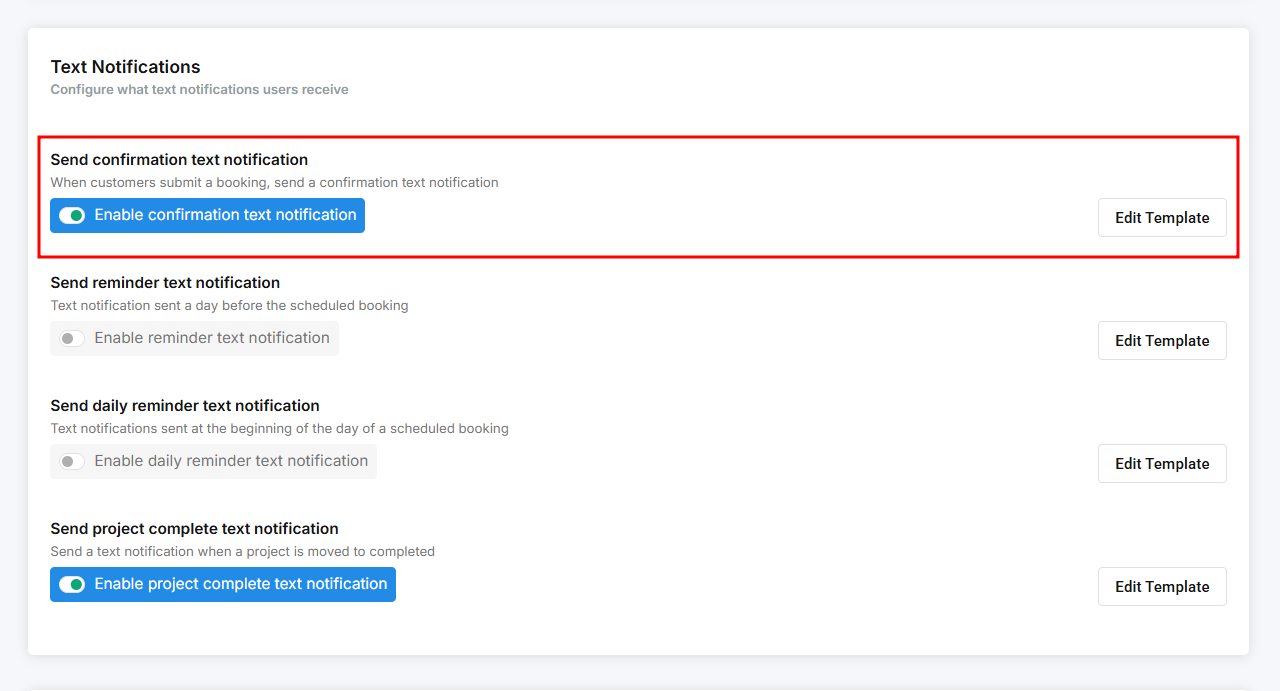
Send Confirmation Text Notification
The confirmation text notification sends a text message to customers after they complete their order. While Tonomo already provides email notifications, you can enable this feature to ensure your clients receive multiple forms of confirmation.
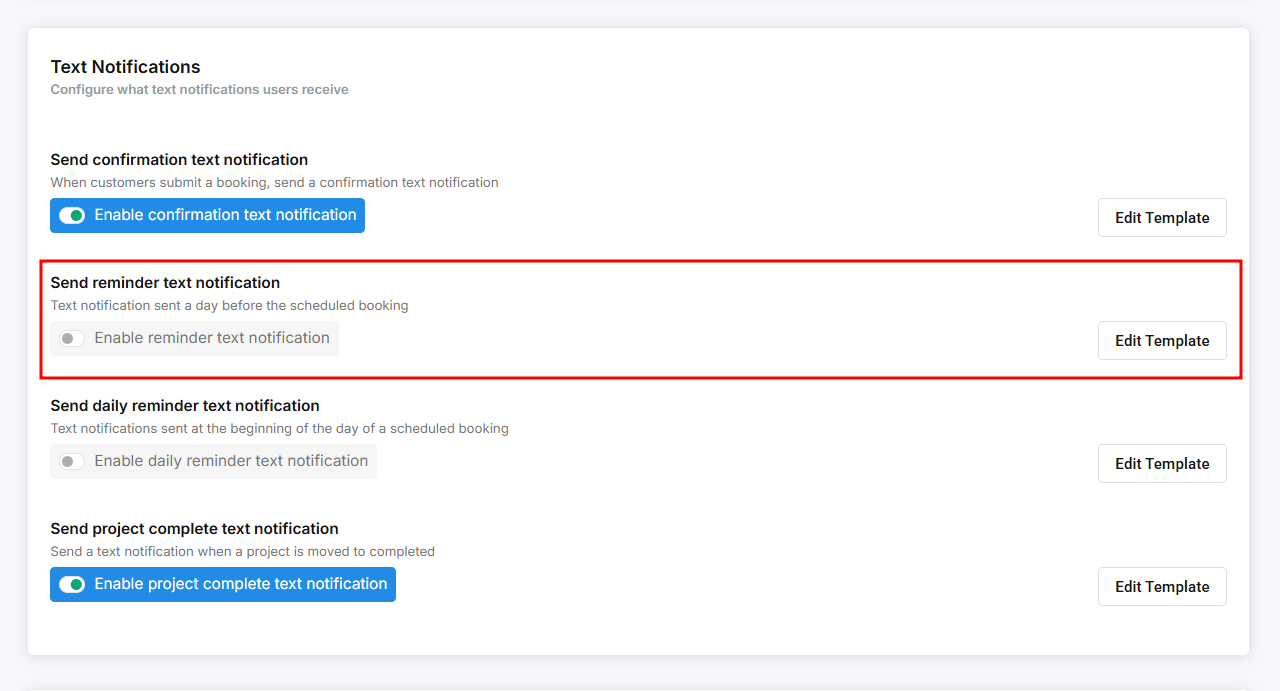
Send Reminder Text Notification
You can now send automated daily text reminders to your photographers, informing them of their daily appointment count and the start time of their first appointment. This feature helps keep your team organized and prepared for their schedule.
Send Daily Reminder Text Notification
Daily text reminders work the same way as email reminders. When enabled, they send a text message to your clients about their upcoming shoot. The only difference is that text reminders can only be scheduled to send 6 to 10 hours before the shoot.
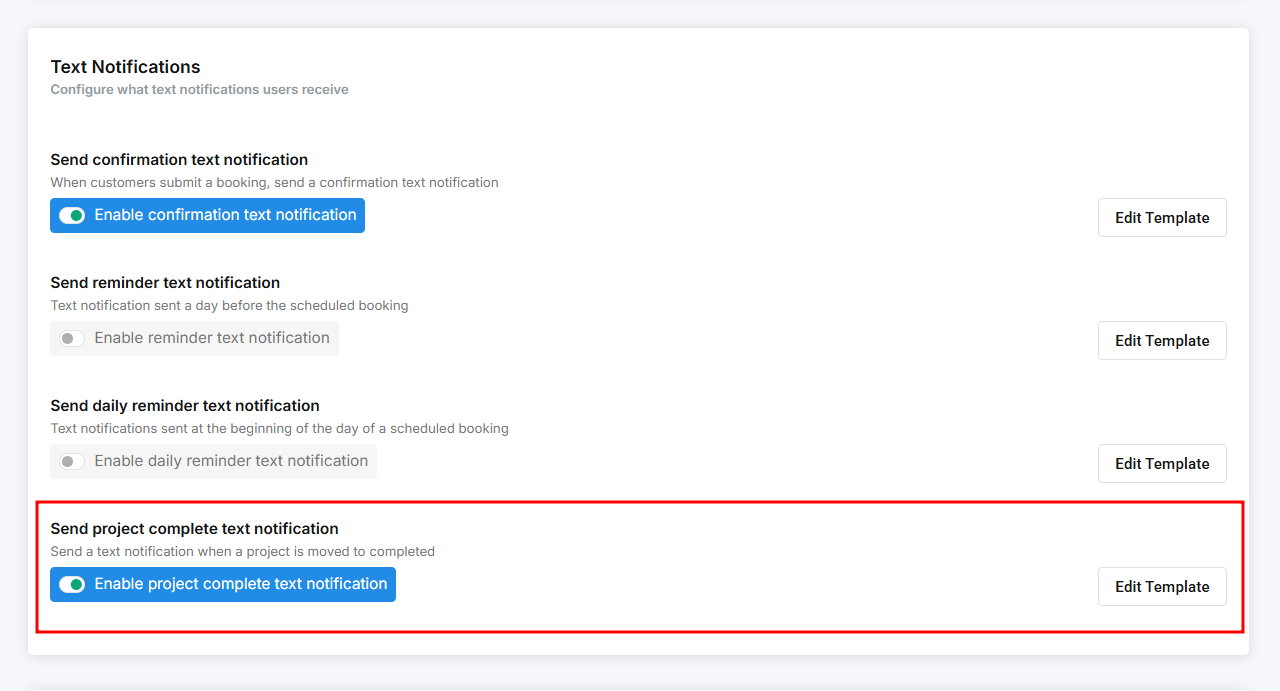
Send Project Complete Text Notification
In addition to the Project Complete email template, Tonomo also offers a text message notification when an order is marked as complete. When enabled, the text is sent to customers along with the Project Complete email. The template is fully editable, allowing you to include all the details you want to share.