Email Templates
Last updated: May 6, 2026
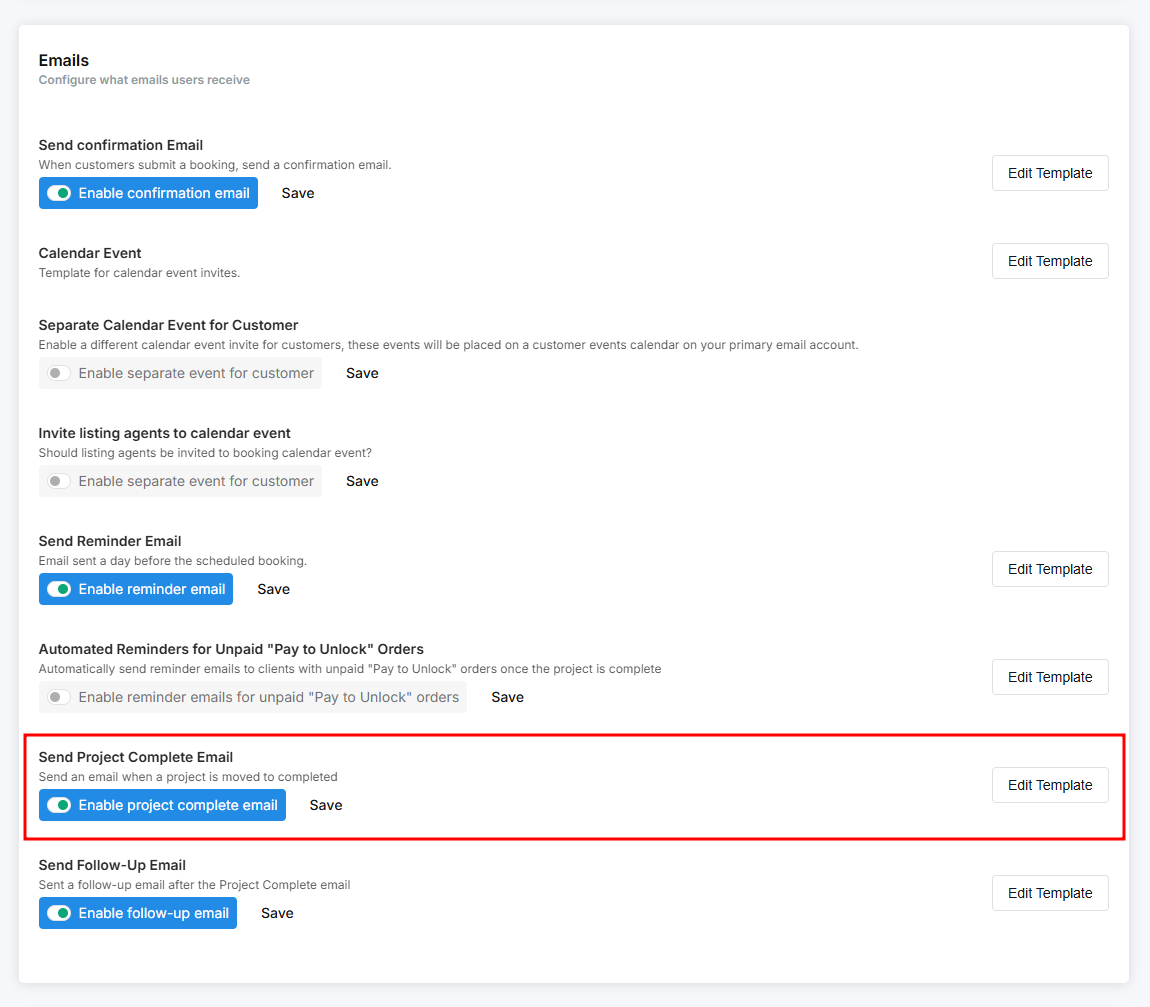
In Tonomo, we provide a variety of email templates to help automate communication with your clients. These include confirmation emails, delivery emails, reminder emails, and more. All templates are fully editable, and Tonomo also supports the use of HTML for customization.
You can find the Email Templates section by navigating to Configure Booking > General.
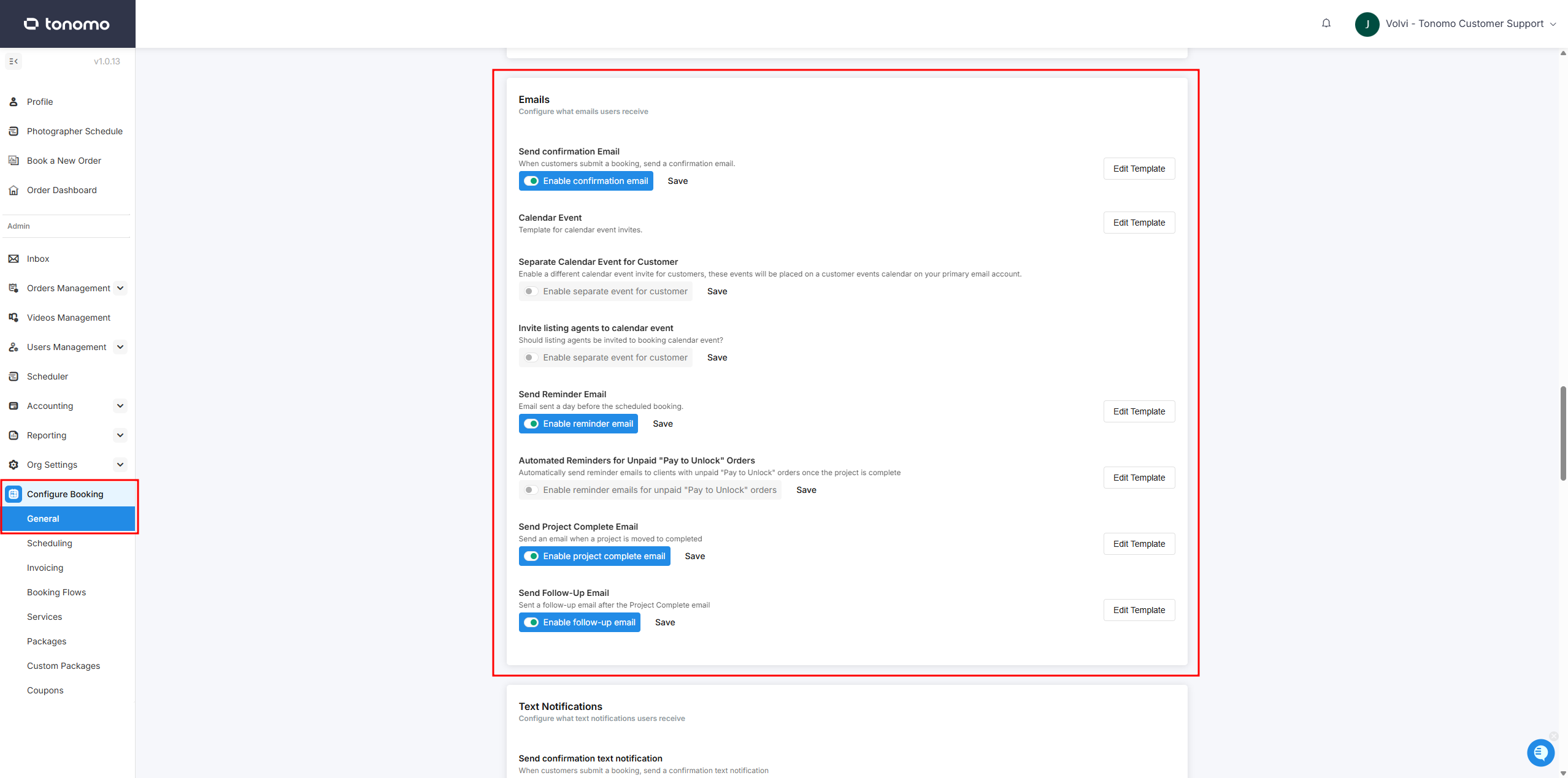
Please reach out to our support team if you’d like to edit these templates. We’ll help you make the changes and double-check that everything is set up correctly.
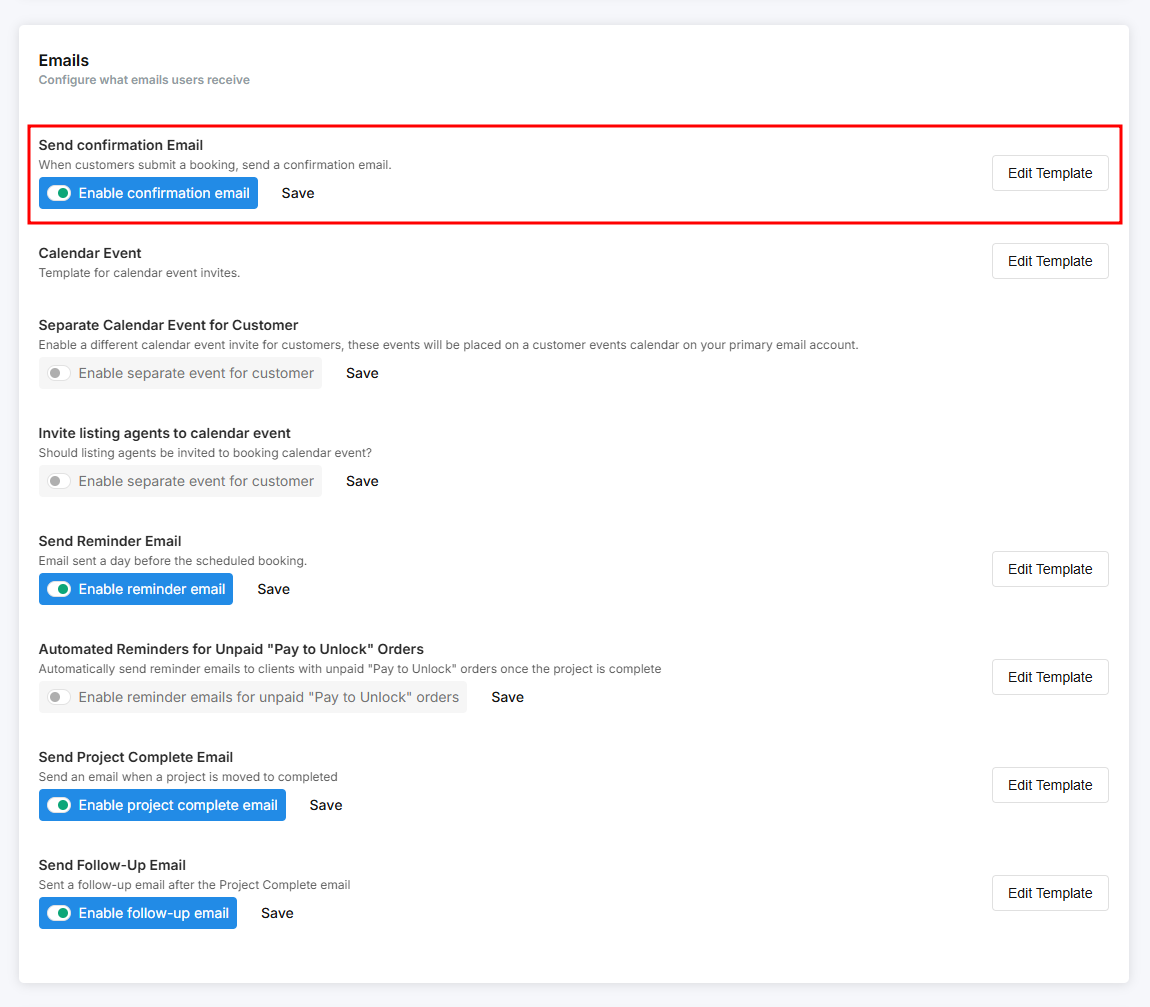
Send Confirmation Email
The Confirmation Email is sent to your clients once they complete a booking. It typically includes the property details, services booked, scheduled date and time, and other relevant information. The template is fully editable, allowing you to customize the details you want to include.
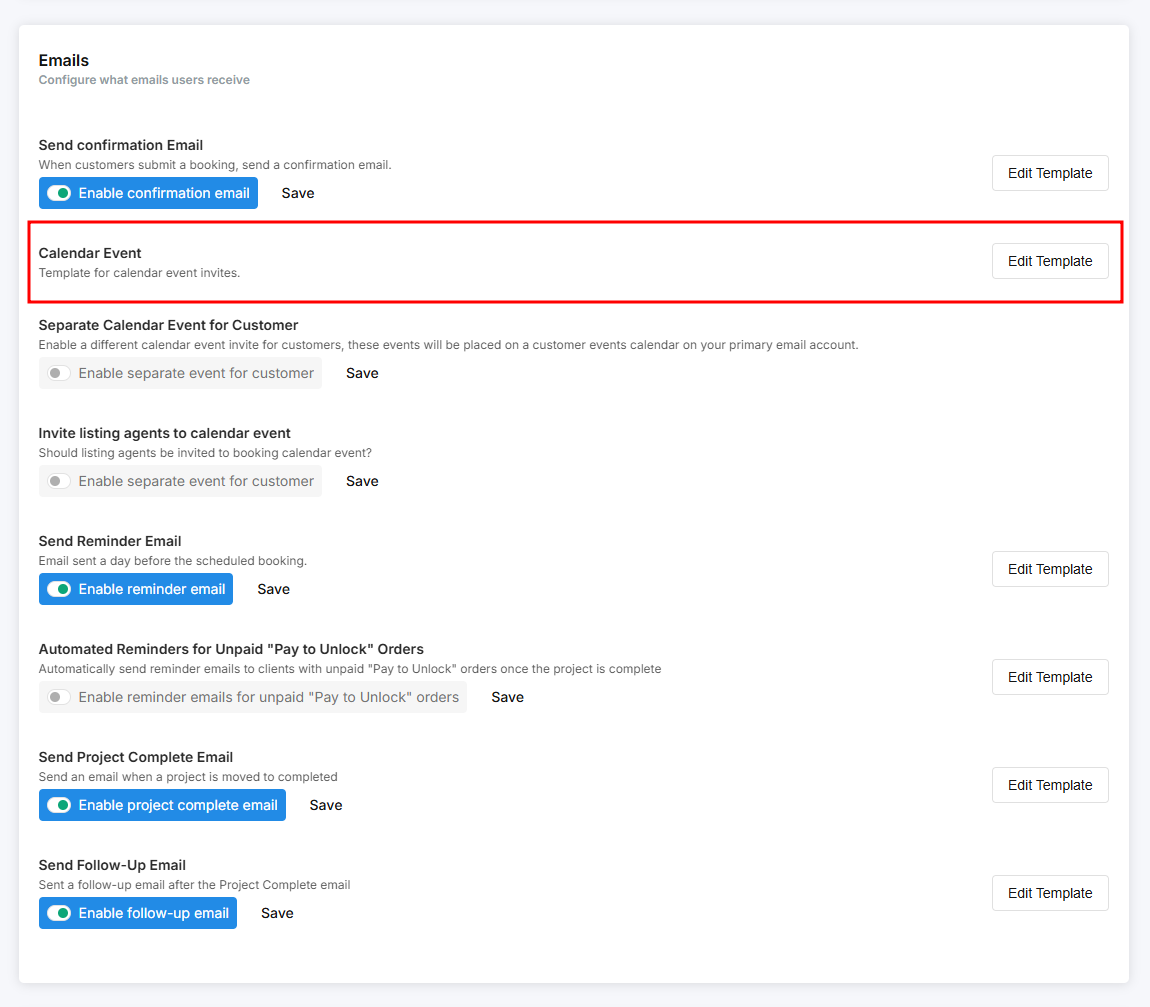
Calendar Event
The Calendar Event template controls the content that appears in your Google Calendar invites. By default, this template applies to both photographers and customers, but you can also set up a separate template for customers and reserve this one for your photographers. It is fully editable, allowing you to customize the details you want to include. This ensures your clients and team receive all the key information directly on their calendar.
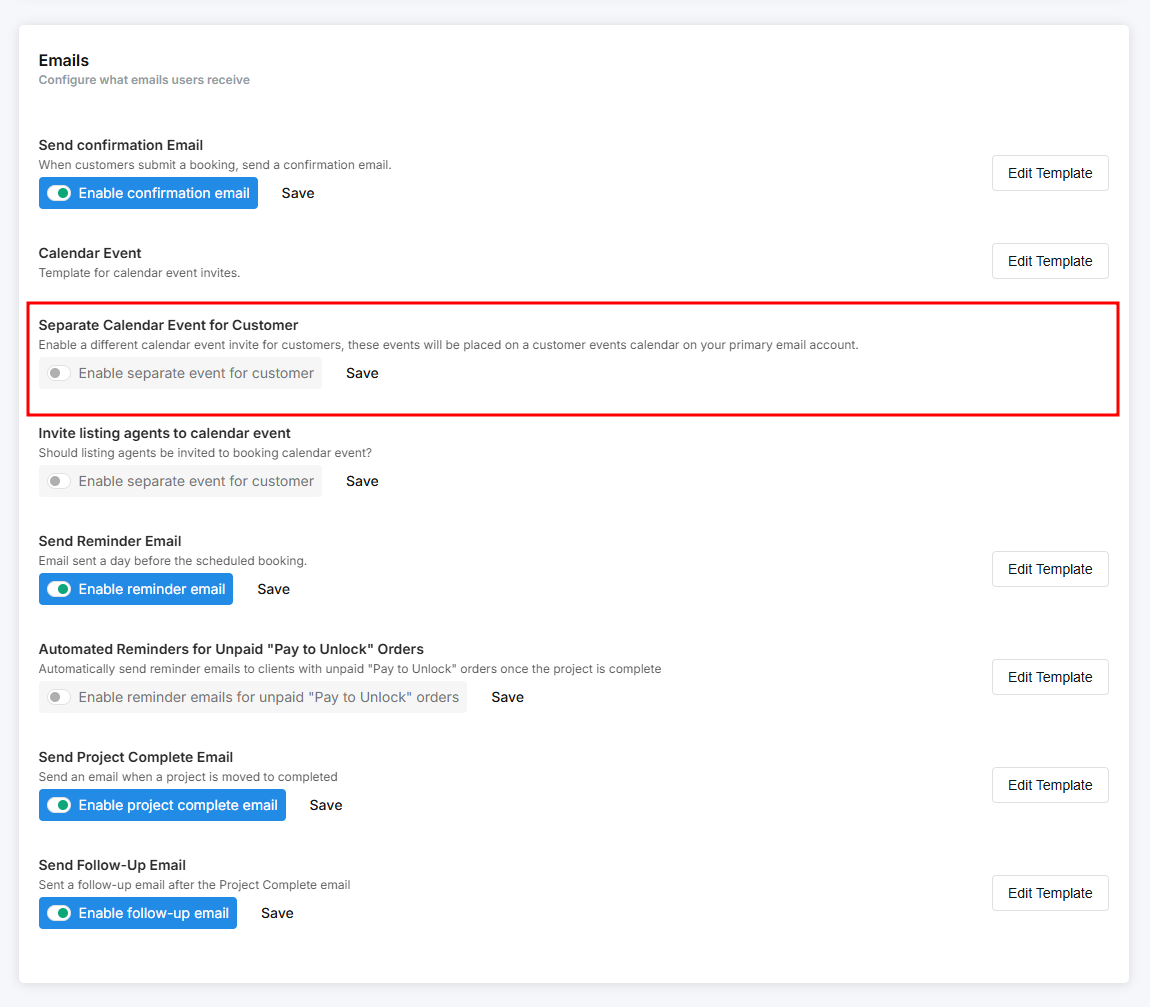
Separate Calendar Event for Customer
This section allows you to set up a separate calendar invite for your customers. While using a single calendar invite for both photographers and customers is the default, there may be details you want to include for photographers that you don’t want shared with customers. This feature is perfect for that use case. It is also fully editable, allowing you to customize the details you want to include.
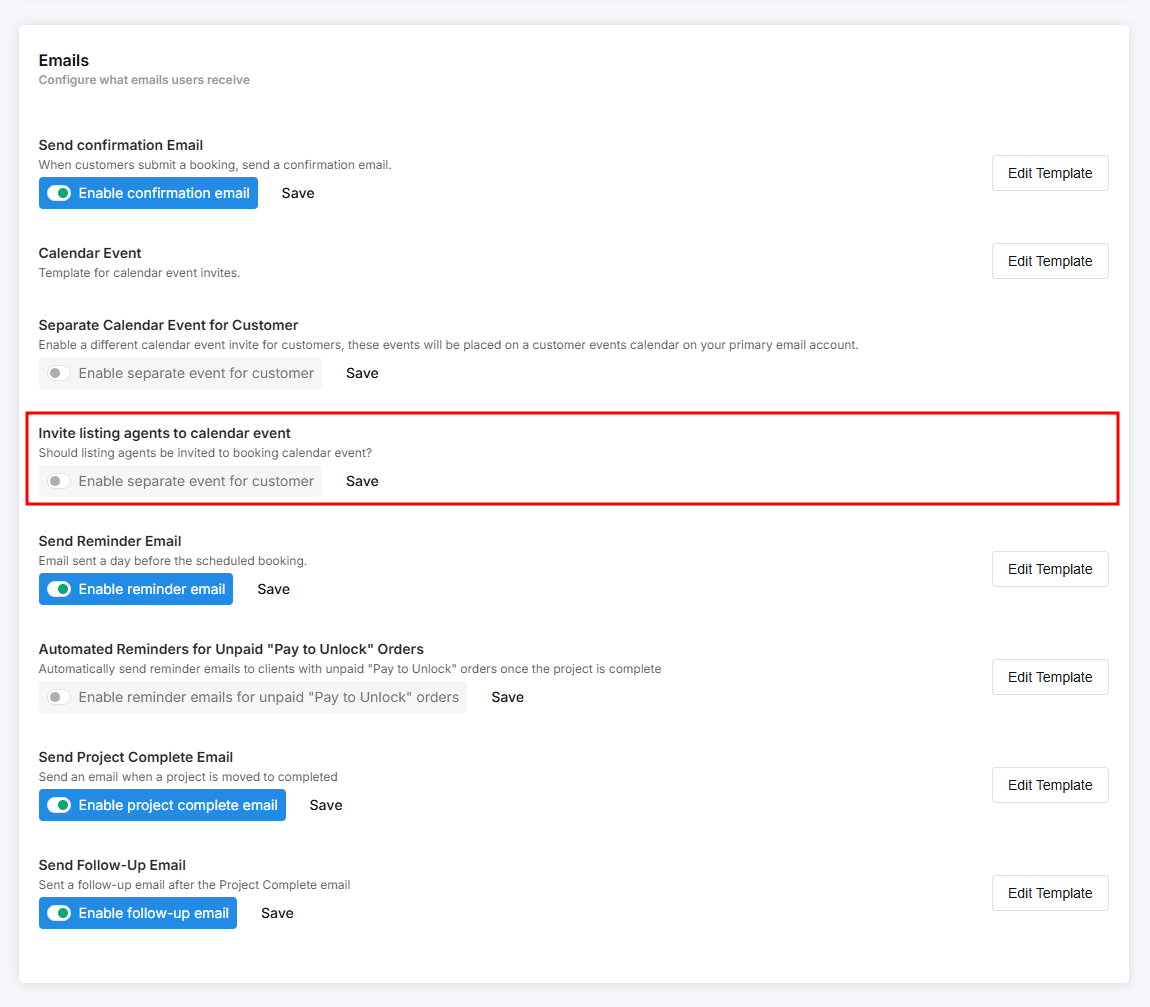
Invite Listing Agents to Calendar Event
There may be cases where you need to include multiple listing agents or branding agents on a single order. In those situations, you can enable this email template so the additional agents are also invited to the calendar event.
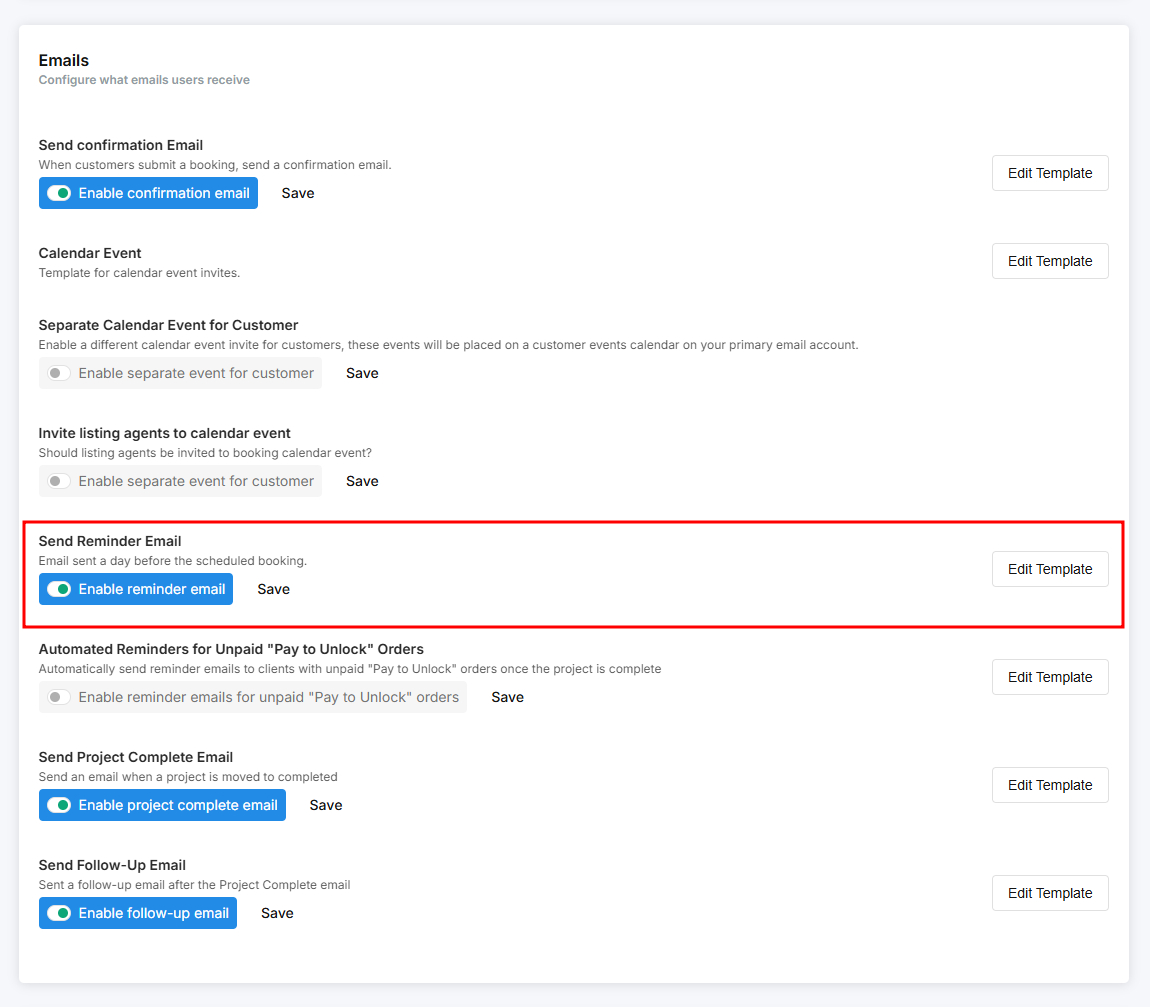
Send Reminder Email
A Reminder Email is sent before the scheduled shoot date. You can specify how many days in advance you’d like this email to be sent. By default, it is usually set to be sent one day before the shoot.
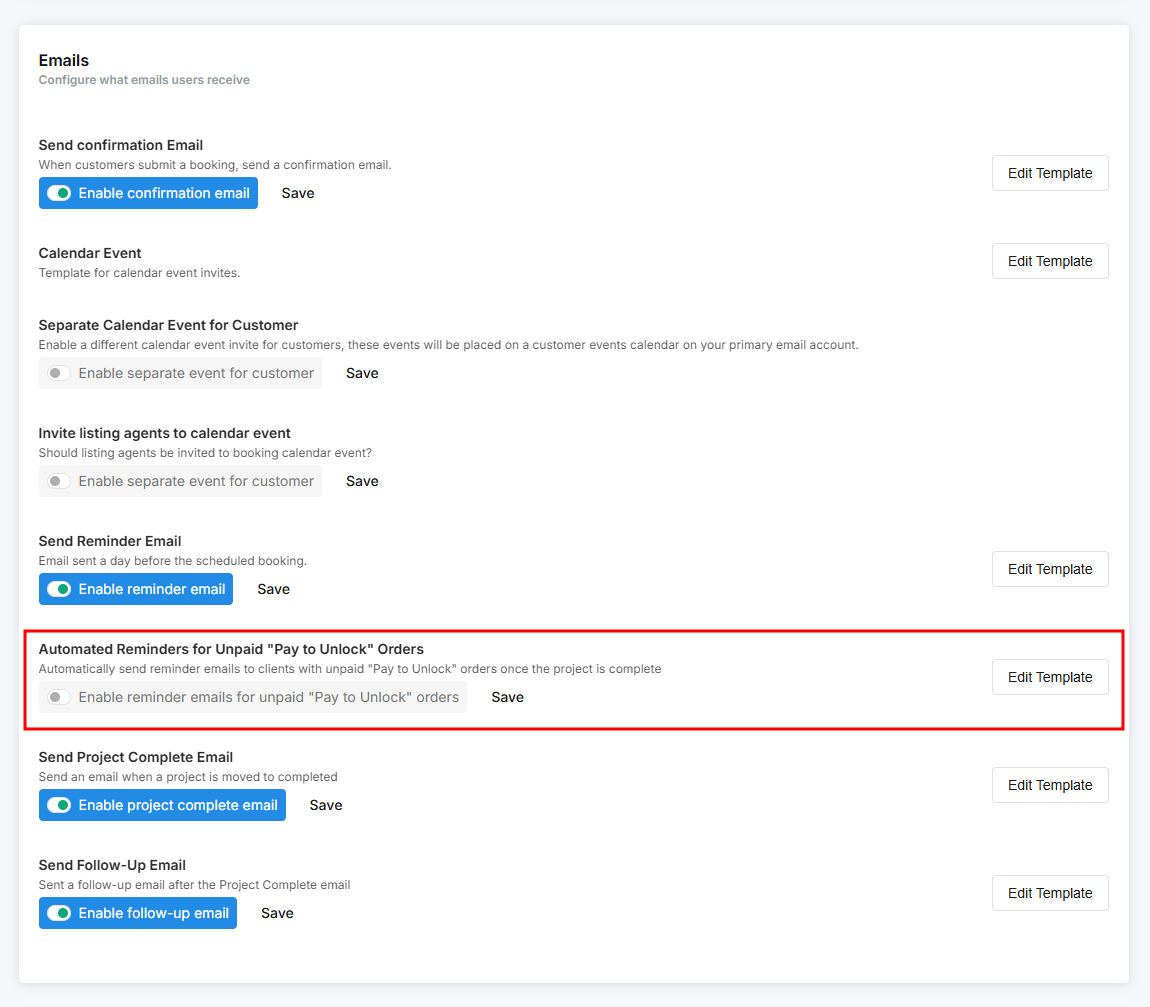
Automated Reminders for Unpaid "Pay to Unlock" Orders
Some clients may occasionally forget to pay for their order. In that case, this email template can be very helpful. Once enabled, you can customize the message and set the frequency of reminders. This ensures your clients receive timely payment reminders while reducing the need for manual follow-ups.
Once an order is marked as paid, the system will automatically detect it and stop sending further reminder emails.
Send Project Complete Email
The Project Complete email is the template sent once an order is marked as completed. When triggering it, a pop-up will appear on your screen. While a default template is already provided, you can still edit it to add or remove parts of the message.
This is especially useful if you’re delivering an incomplete project. For example, you might state that the photos are delivered now while also including a note that the video will be delivered after a certain number of days.
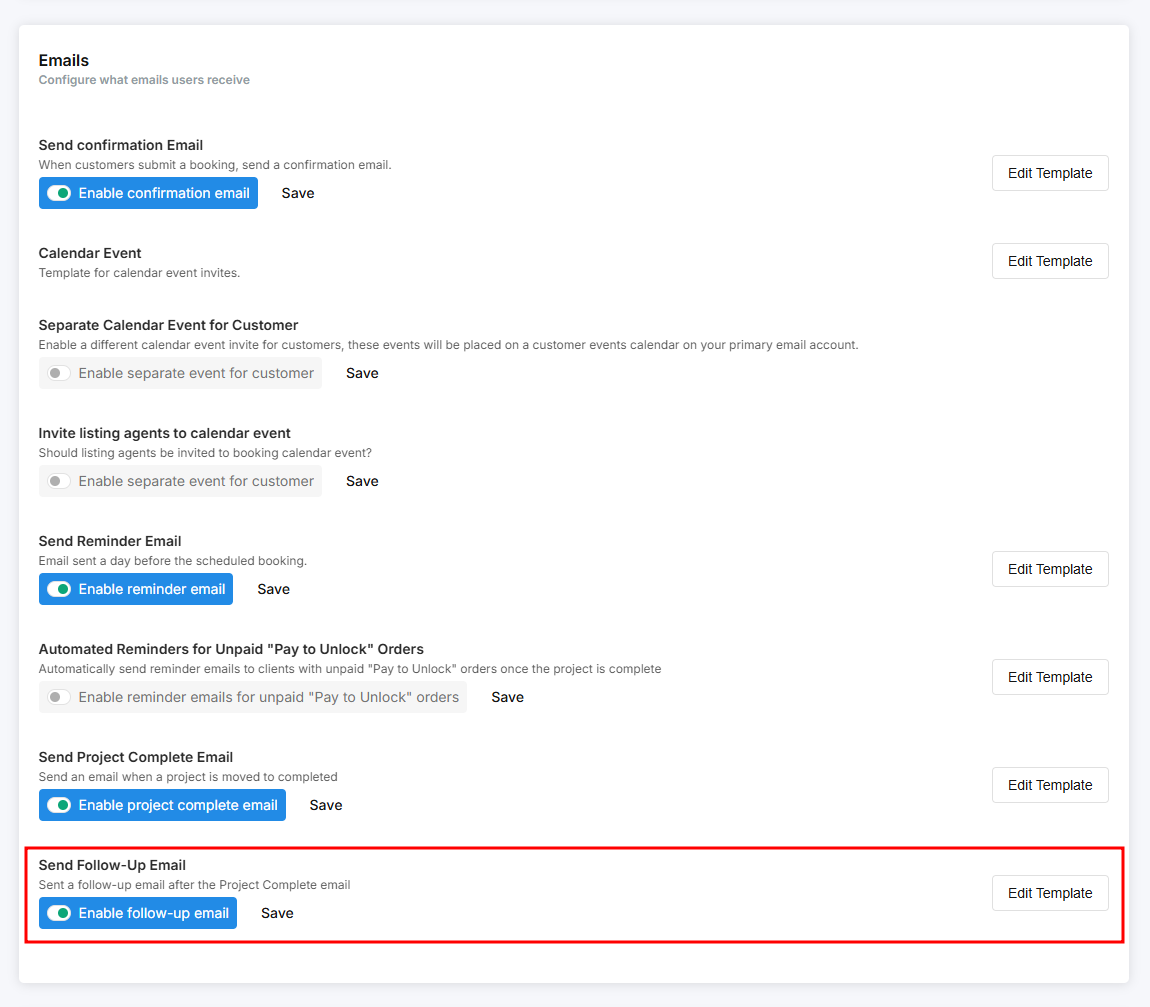
Send Follow-Up Email
This feature allows you to schedule a follow-up email to be sent after the Project Complete email. Within the template, you can specify the time delay for when the follow-up should be sent. The template is fully customizable, so you can include any details you want to share with your clients.