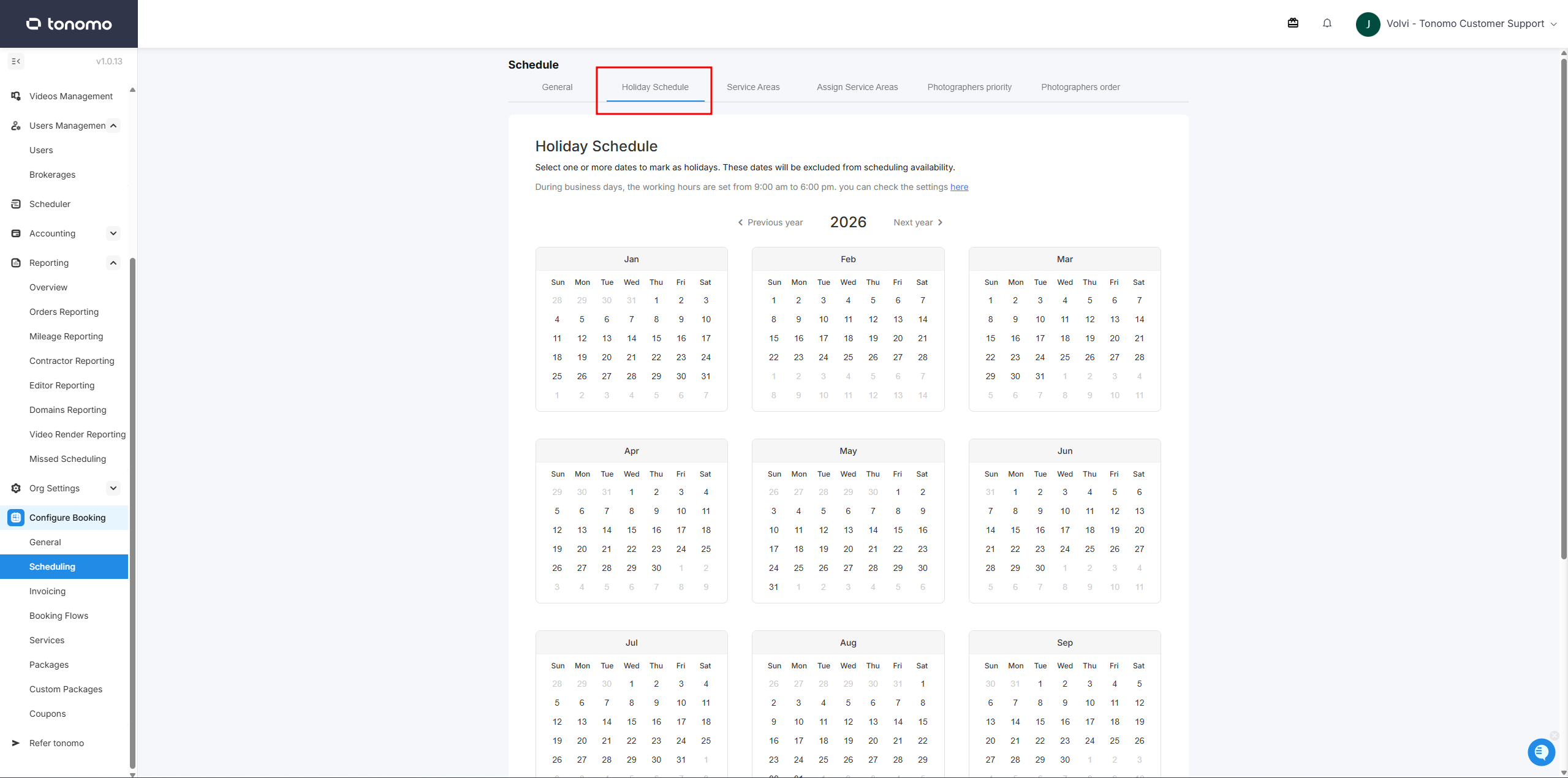
Holiday Schedule
Last updated: April 15, 2026
Configure company-wide holidays directly in Tonomo. Holidays are applied across scheduling and availability, so your team and clients see accurate time slots without manual adjustments. To manage holidays, navigate to Configure Booking > Scheduling > Holiday Schedule. Once in the holiday scheduling tool, simply select the holidays for your team, scroll down to the bottom, and click "Set Holidays" that can be found at the bottom.