User Types
Last updated: July 24, 2025
What is a User?
A User refers to any individual with a login to your Tonomo portal—this includes both internal team members and external clients. Every person, unregistered (imported client list) or registered (via email/password, Google sign-in in or phone number), becomes a User in the system. Users can be split into two main categories:
Staff: internal employees like photographers, project managers, or admins.
Agents (Clients): customers or external agents who place orders and interact with the portal
You can view and manage all users by navigating to User Management from the left-hand menu of your Tonomo portal.
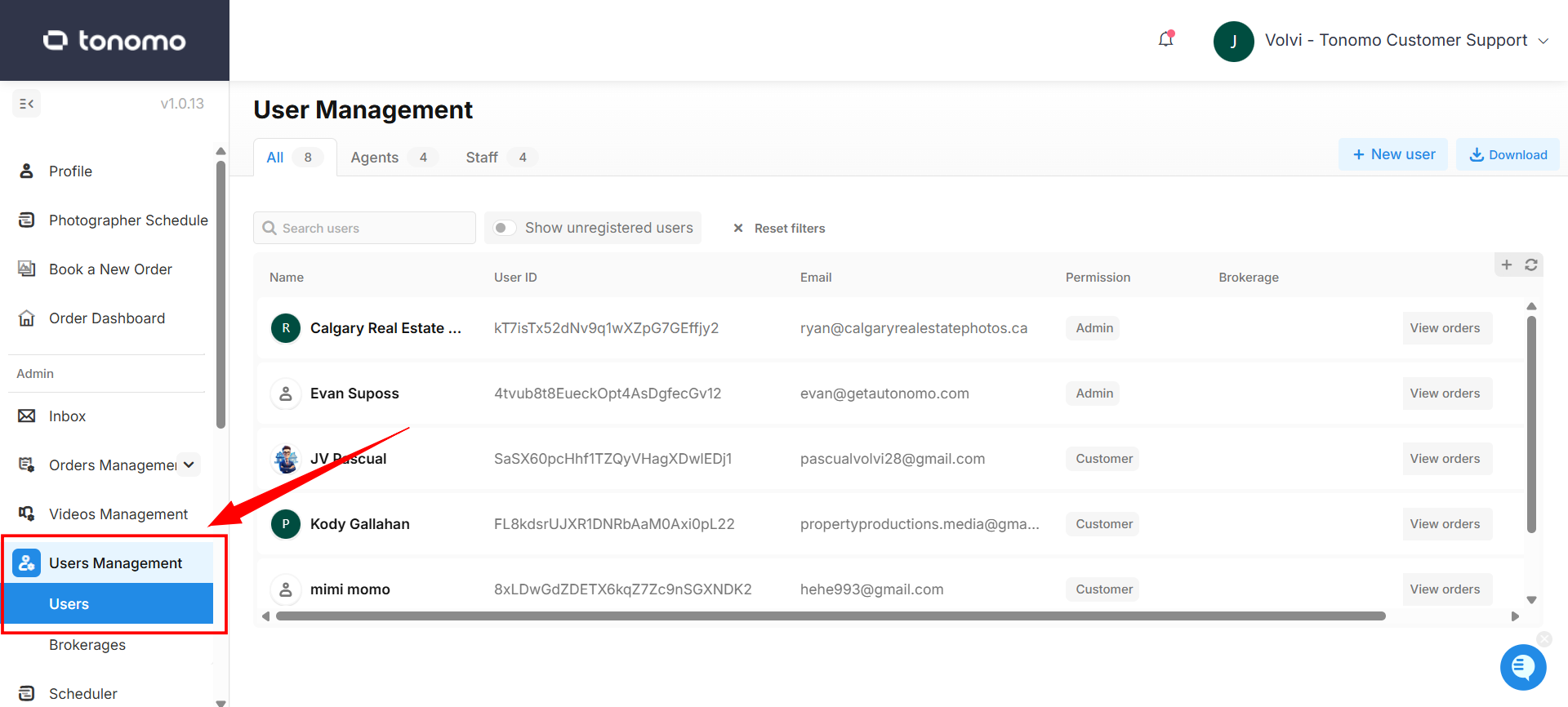
Staff Users
These are internal team members you invite or assign. They gain access to manage orders, scheduling, and system settings, depending on their role
Staff Permissions
Admin: Full system control—can add/edit/remove users, configure settings.
Staff: By default, staff users can process orders and access various administrative sections, including User Management, Reporting, Calendar, and more.
Contractor: Limited access—can view orders and chat, but can’t change statuses or payment/order details.
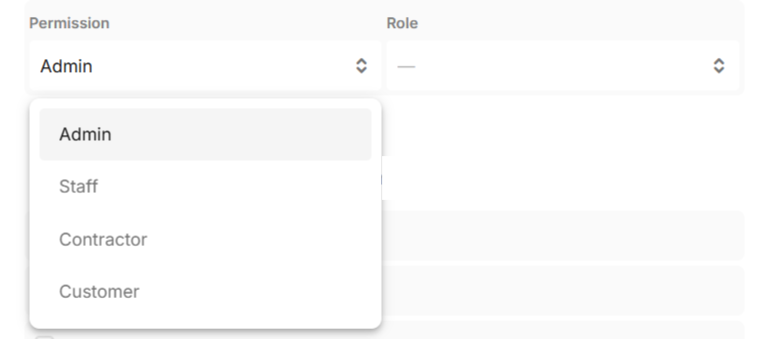
Staff Roles
Roles help you organize your portal and give clarity to what each staff member is responsible for. Some roles also come with special functionality or access within the platform.
For example:
Only users with the Video Editor role can be tagged in the Video Management section.
If you have multiple team members assigned as Project Manager, you can simply tag
@project managerin the project chat, and all users with that role will be notified — no need to tag them individually.
Available roles:
Account Executive
Creative Specialist
Customer Success
Operations Coordinator
Operations Specialist
Photo Editor
Project Manager
Video Editor
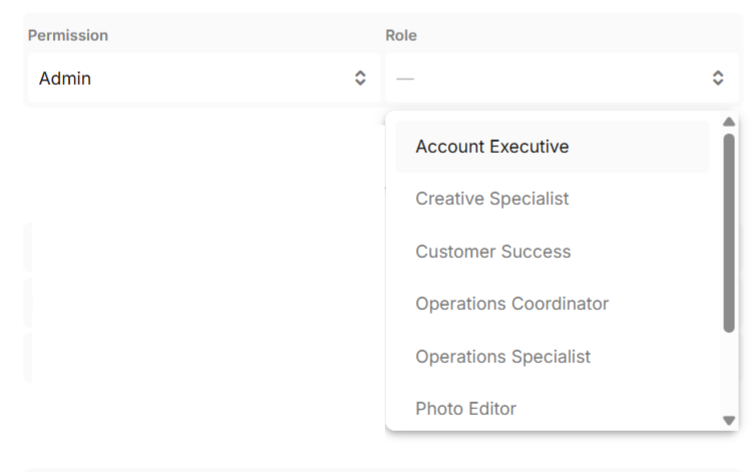
Agent Users
These are your external customers or booking agents. They can:
Create and manage their profiles (including contact info and branding).
Book new services, view past orders, access contracts/invoices, and reschedule/cancel (if permitted).
Have billing-related settings like stored cards, credits, and referral codes.